
Support starts with a reproducible signal.
Tell us what happened, when it began and which site or WordPress environment is affected. Please never send passwords or private keys in a support form.
WordPress plugin · Private demo · Guided trial · Proposed $500 lifetime licence
What helps us diagnose issues.
Tell us the address of the page or form that stopped working, when it happened and what error you saw. If you know your WordPress or plugin version, include it. That helps us find the exact rule or request instead of guessing.
Questions about this workflow? See a private walkthrough.
BOTEXORCIST / PRIVATE EVALUATION PROCESS
Support starts with a reproducible signal.
WordPress / request intelligence
Response / review context
Human in control / policy choice
Urgent site lockout?
If you cannot get into WordPress, use your hosting control panel or a known-good backup to restore access first. Do not wait for an email reply while customers are locked out. Then tell support what went wrong so it can be investigated.
Evidence without secrets.
A screenshot of the error, the affected page and the approximate time are helpful. Do not send your password, security keys or visitors’ private information through the form.
Technical support request
Please exclude passwords, access tokens and sensitive visitor records.
Prefer email?
Contact support@botexorcist.com. Do not attach confidential credentials or unsanitised visitor logs.
Explore more BotExorcist features.
 The important questions, answered plainly.
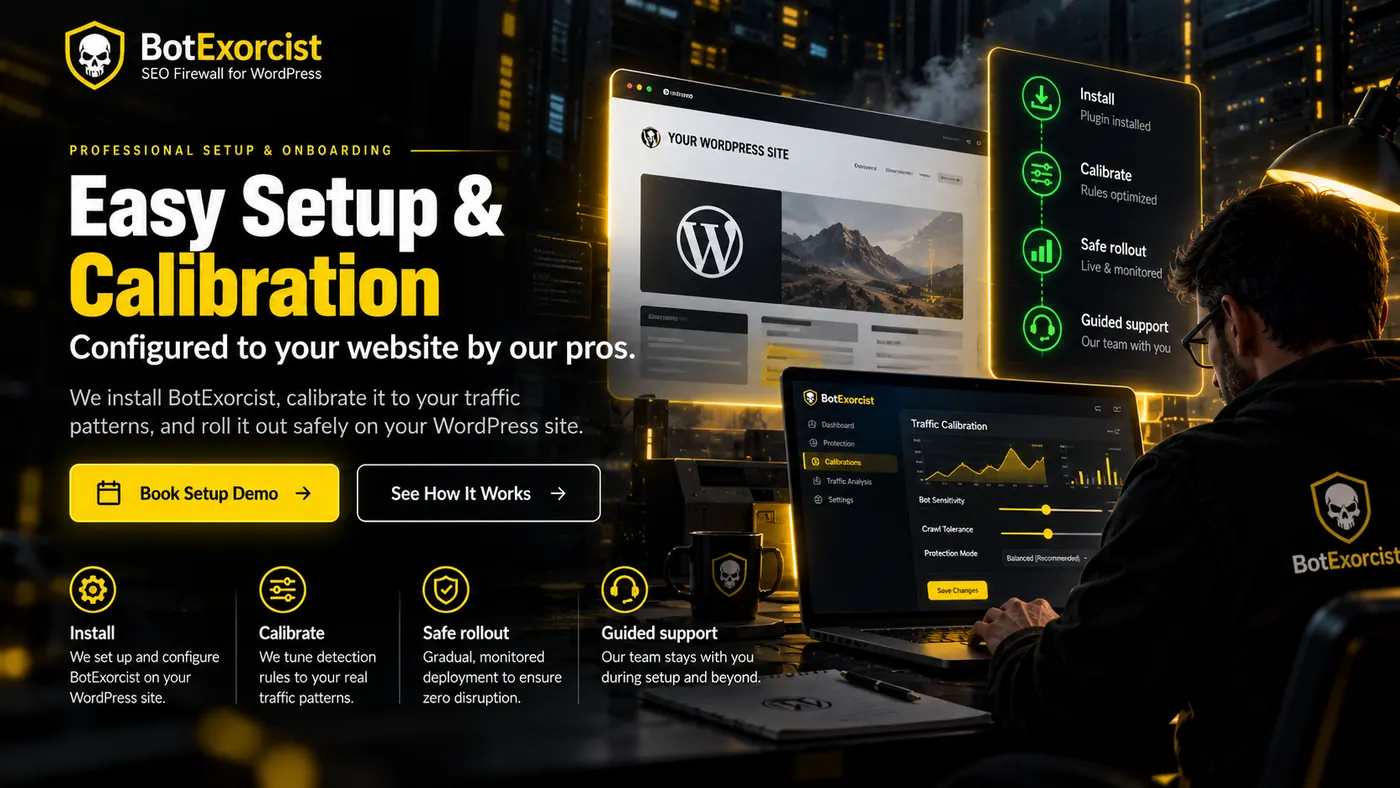
 Book a demo. We handle the technical side.
See BotExorcist on your own WordPress site. Our pros handle setup and calibration, then you decide if it earns a permanent place.